
Kod Kursus IEB0049
Kod QR 
Tarikh Kursus
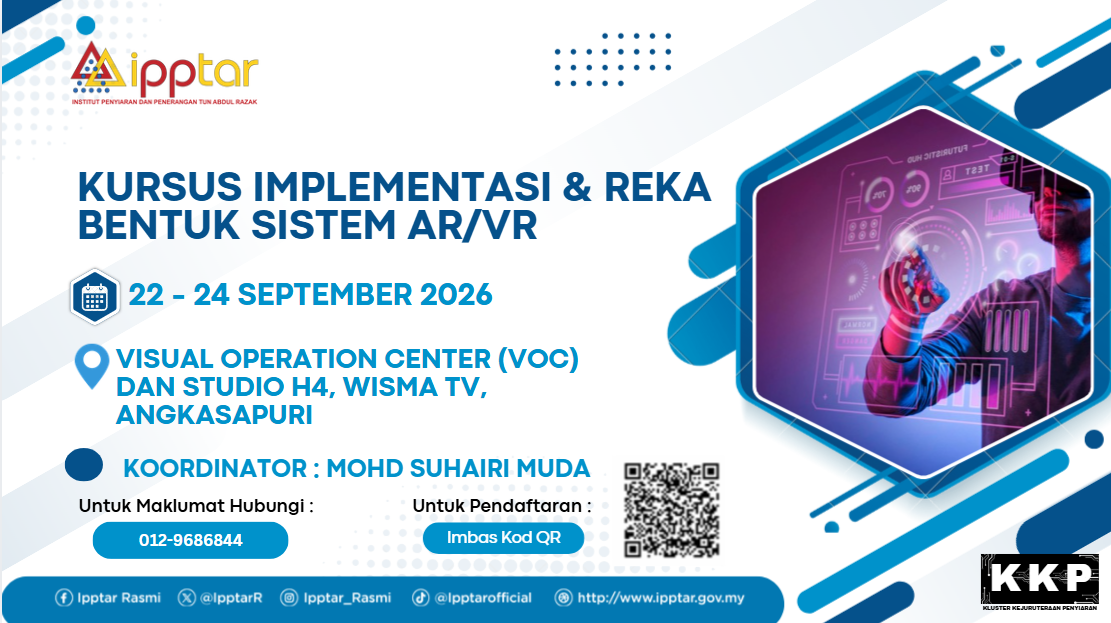
22/09/2026 hingga 24/09/2026
Tempoh
3 Hari
Yuran
RM30.00
Tarikh Buka Permohonan
15/09/2026
Tarikh Tutup Permohonan
20/09/2026
Kumpulan Sasaran
Gred 11
Hingga
Gred 48 (SSM)
Gred 1
Hingga
Gred 12 (SSPA)
Kaedah Pembelajaran
Bersemuka
Penyelaras Program
-
MOHD SUHAIRI BIN MUDA
0322957433
suhairi@ipptar.gov.my -
KAMARINA BINTI MOHD ALI
03-22957555
kamarina@ipptar.gov.my
Setiausaha Kursus
Anjuran
KLUSTER KEJURUTERAAN PENYIARANINSTITUT PENYIARAN DAN PENERANGAN TUN ABDUL RAZAK (IPPTAR)
KEMENTERIAN KOMUNIKASI
Tempat
VISUAL OPERATION CENTRE (VOC) DAN STUDIO H4,WISMA TV, ANGKASAPURI KOTA MEDIA,
KUALA LUMPUR
Sinopsis Kursus
Kursus ini dirangka khusus untuk meningkatkan kemahiran teknikal dan kreativiti pegawai dalam mengendalikan perisian, peralatan, aksesori, serta teknik penyediaan elemen AR/VR terkini di studio TV. Kursus selama tiga hari ini memberikan pendedahan pada peringkat lanjutan dalam pengoperasian sistem grafik Brainstorm yang ditempatkan di Visual Operation Center (VOC) dan Studio H4, Wisma TV, Angkasapuri Kota Media.
Objektif Kursus
- i. Meningkatkan Kemahiran Teknikal: Memantapkan kepakaran peserta dalam konfigurasi peralatan dan perisian AR/VR mengikut piawaian penyiaran berprestasi tinggi
- ii. Menguasai Operasi Standard: Meningkatkan kecekapan peserta mengaplikasikan teknik pengoperasian sistem grafik yang betul dan mematuhi garis panduan piawai (Standard Operating Procedures).
- iii. Pemantapan Ilmu (Knowledge Enrichment): Memperkaya dan memantapkan kemahiran pegawai dalam aspek perekaan grafik interaktif dan pengurusan ruang maya bagi penerbitan program TV berteknologi tinggi.
Modul/Topik
Hari Pertama | 22/09/2026 | Selasa
| Masa/Sesi | Topik | |
|---|---|---|
| SESI 1 | : | 08.30 Pagi - 10.30 Pagi |
| : | Welcome, Training Objectives & Course Overview Brainstorm Product Ecosystem (InfinitySet, Aston, eStudio, OnDemand, Render | |
| SESI 2 | : | 11.00 Pagi - 01.00 Tengah Hari |
| : | System Architecture Overview Render Engine Graphics Control Client Video I/O Tracking System - Shared Storage | |
| SESI 3 | : | 02.30 Petang - 04.30 Petang |
| : | Brainstorm User Interface • Workspace Layout • Scene Tree • Control Panels • Output Windows Project Management Creating Projects Loading Existing Projects Backup & Restore Basic Graphic Operations • Load Templates • Preview & Program Workflow • Take In / Take Out • Layer Management Practical Exercise • Launch Brainstorm project • Open graphics package • Operate lower third • Switch between Preview and Program • Save project |
Hari Ke-2 | 23/09/2026 | Rabu
| Masa/Sesi | Topik | |
|---|---|---|
| SESI 1 | : | 08.30 Pagi - 10.30 Pagi |
| : | Live Graphics & Data Operation Learning Objectives: Participants will learn to manage live graphics, data-driven templates, playlists, and rundown operations. | |
| SESI 2 | : | 11.00 Pagi - 01.00 Tengah Hari |
| : | Graphics Template Operation Lower Third Full Screen OTS Bugs & Logos Dynamic Data Management • Manual Text Entry • Images & Logos • Video Clips Transition & Animation Control | |
| SESI 3 | : | 02.30 Petang - 04.30 Petang |
| : | Live Production Simulation • Trigger Graphics • Edit Graphics During Live Show • Emergency Graphic Replacement Practical Exercise • Edit player names • Update lower thirds • Create playlist • Trigger multiple graphics • Perform live news graphics operation |
Hari Ke-3 | 24/09/2026 | Khamis
| Masa/Sesi | Topik | |
|---|---|---|
| SESI 1 | : | 08.30 Pagi - 10.30 Pagi |
| : | Virtual Studio & Production Workflow Learning Objectives: Participants will operate a complete virtual production environment and understand production best practices | |
| SESI 2 | : | 11.00 Pagi - 01.00 Tengah Hari |
| : | Virtual Studio Workflow Overview Scene Operation • Camera Selection • Scene Switching • Graphic Layer Management | |
| SESI 3 | : | 02.30 Petang - 04.30 Petang |
| : | Media Management • Images • Videos • External Inputs Troubleshooting & Best Practices • Common Operator Errors • Backup Procedures • Recovery Workflow Final Live Production Exercise Assessment, Q&A and Course Wrap-up |